

Running content operations for multiple clients means juggling campaigns, editorial calendars, and social schedules that can’t afford to blur together. Free ClickUp templates for agency content operations solve the setup problem entirely — instead of building a workspace from a blank slate for every new client, you start from a structure that’s already built for exactly this kind of work.
Below are five of the strongest free ClickUp templates for agencies managing content across multiple clients or campaigns, each suited to a different part of the operation.
Key Takeaways
- Free ClickUp templates for agency content operations are available directly in ClickUp’s Template Center at no cost, though some advanced features require a paid plan.
- The Marketing Campaign Management Template covers full campaign production from planning through launch.
- The Content Calendar Template manages the entire production pipeline, from ideation through publishing, with a built-in editorial brief.
- The Social Media Calendar Template is built specifically for agencies coordinating multiple client accounts across platforms.
- Free accounts can use the core structure of every template listed here, though custom fields and automations often require a paid seat.
Why Agencies Should Start From a Template
Every new client engagement doesn’t need a brand-new content operations system designed from scratch. Starting from free ClickUp templates for agency content operations means the underlying structure — statuses, views, and fields — is already validated for content work, so your team spends its setup time customizing details for the client rather than reinventing the entire workflow.
1. ClickUp Marketing Campaign Management Template
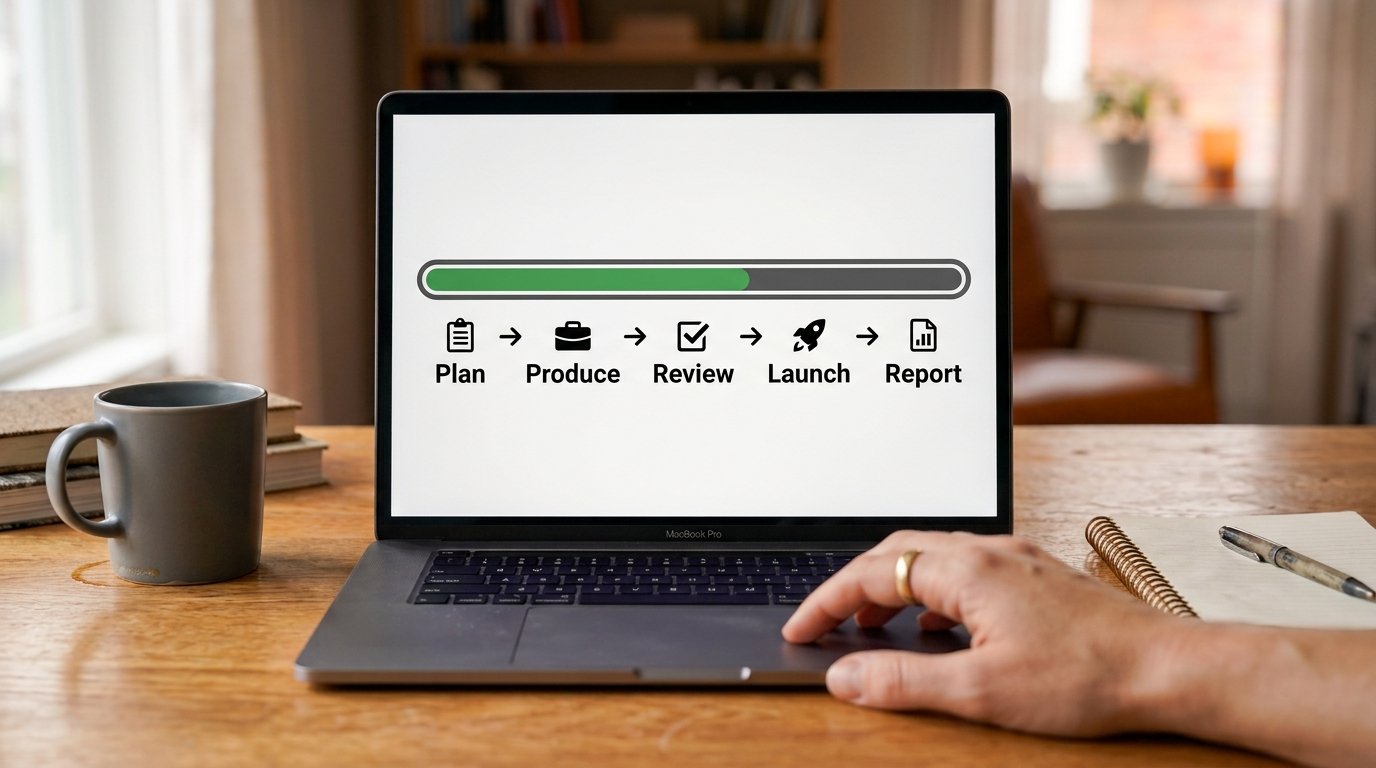
This template is built around planning and tracking marketing campaigns from initial production through launch, and it comes pre-loaded with sample tasks for every stage of a campaign. For agencies, this means a new client campaign doesn’t start with a blank board — it starts with a proven task structure you customize to the specific engagement.
H3: What It Includes
- Sample tasks mapped to each stage of campaign production
- A structure flexible enough to adapt to different campaign types across clients
- A shared view for tracking multiple campaigns running simultaneously
H3: Who This Template Fits Best
Agencies juggling several client campaigns at once, where a consistent production structure across clients makes cross-team reporting and resource planning significantly easier.
2. ClickUp Content Calendar Template
This is the closest thing to an all-purpose editorial system among ClickUp’s free options, managing the full content production process from Ideation through Outline, Draft, Edit, Design, Schedule, and Published. It includes custom fields for Content Type, Target Keyword, Publish Date, Channel, and Author, along with a Calendar view giving a full month-at-a-glance overview.
H3: What It Includes
- A seven-stage production pipeline covering the entire lifecycle of a piece of content
- Custom fields specifically built for editorial and SEO tracking
- An included editorial brief document template, so writers start with structured guidance rather than a blank page
H3: A Note on Free Plan Limits
The core structure of this template is available on ClickUp’s free tier, but some advanced features, like certain custom fields and automations, require a paid plan starting at a per-user monthly rate. Agencies on the free plan can still use the basic pipeline and calendar view without issue.
3. ClickUp Social Media Calendar Template
Built specifically for teams publishing frequently across multiple platforms, this template uses custom statuses, views, and fields to track channel, hashtags, and publish date for every post. For agencies managing several client social accounts simultaneously, the platform-specific organization prevents scheduling conflicts and keeps each client’s brand presence consistent.
H3: What It Includes
- Fields for tracking which platform, hashtags, and publish date apply to each post
- Custom statuses suited to a fast-moving social content workflow
- A structure built to scale across multiple client accounts without becoming disorganized
H3: Who This Template Fits Best
Agencies managing daily or near-daily social content for multiple clients, where visual content also requires a review cycle before it goes live.

4. ClickUp Editorial Calendar Template
This template focuses specifically on long-form content planning, with publishing schedules and editorial workflows tailored for blogs, magazines, and content publications. It’s differentiated from the broader Content Calendar Template by features built specifically around editorial operations rather than general content tracking.
H3: What It Includes
- Publishing schedule views built for long-form editorial timelines
- Workflow stages tailored to the pace of blog and publication content, rather than fast-moving social posts
- A structure suited to teams managing a dedicated editorial calendar alongside broader campaign work
H3: Who This Template Fits Best
Content agencies specifically producing blog content, guest posts, or long-form articles for clients, where the editorial rhythm differs meaningfully from social or campaign work.
5. ClickUp Marketing Agency Template
Built specifically with agencies in mind, this template helps maintain control over every client campaign from a centralized view, rather than managing each client’s work in an entirely separate, disconnected space. It’s designed around the reality that agencies need to see across clients, not just within one client’s individual workspace.
H3: What It Includes
- A centralized structure for tracking multiple client campaigns without losing visibility across the agency’s full workload
- Views suited to agency leadership needing a cross-client overview alongside the detailed, client-specific task views
- A foundation that scales as the agency takes on additional clients
How to Choose the Right Template for Your Agency
H3: If You Manage Multiple Campaigns at Once
Start with the Marketing Campaign Management Template for its stage-based production structure across simultaneous client campaigns.
H3: If Blog and Long-Form Content Is Your Core Service
The Content Calendar Template or the more specialized Editorial Calendar Template will fit better than a general campaign tool, given their SEO-specific fields and publishing-focused views.
H3: If Social Media Management Is Your Primary Offering
The Social Media Calendar Template’s platform-specific organization is purpose-built for exactly this kind of multi-client, multi-platform coordination.
H3: If You Need a Cross-Client Overview
The Marketing Agency Template is the only option on this list specifically structured around visibility across an entire agency’s client roster, rather than one workflow at a time.
How to Import a Template Into Your ClickUp Workspace
- Open ClickUp’s Template Center from within your workspace.
- Search for the specific template by name.
- Click Use Template and select which Space or Folder to import it into.
- Customize the statuses, custom fields, and views to match your agency’s specific client and reporting needs.
Common Mistakes to Avoid
- Using one template for every client without customization — client-specific fields and statuses still matter even when starting from the same base template.
- Ignoring free plan limitations — check which custom fields or automations require a paid plan before building your workflow around them.
- Choosing based on template name alone — the Content Calendar and Editorial Calendar templates sound similar but serve different content paces.
- Not maintaining a cross-client view — agencies scaling past a few clients need the visibility a template like the Marketing Agency Template provides.
Conclusion
Free ClickUp templates for agency content operations remove the slowest part of onboarding a new client or launching a new campaign — building the workflow structure from nothing. Whether your agency’s core work is campaign production, long-form editorial content, social media management, or juggling visibility across many clients at once, there’s a template above built specifically for that need. Import the one that matches your primary bottleneck, customize it for your first client, and you’ll have a repeatable system ready for the next one.
FAQs
Are ClickUp templates really free to use? Yes, ClickUp’s official templates in the Template Center are free, though some features within a template, like custom fields or automations, may require a paid plan to fully use.
Which free ClickUp template is best for a content agency? The Content Calendar Template is the most versatile starting point for most agencies, covering the full production pipeline from ideation through publishing with built-in SEO fields.
Can I use ClickUp templates for multiple clients? Yes, most templates, including the Marketing Campaign Management Template, can be duplicated for each new client while keeping a consistent underlying structure across your agency.
Does the ClickUp Social Media Calendar Template work for multiple platforms? Yes, it includes fields for tracking platform, hashtags, and publish date, making it suitable for agencies managing content across several social channels at once.
What’s the difference between the ClickUp Content Calendar and Editorial Calendar templates? The Content Calendar Template covers a broad content production pipeline, while the Editorial Calendar Template is more specifically tailored to long-form blog and publication workflows.
