

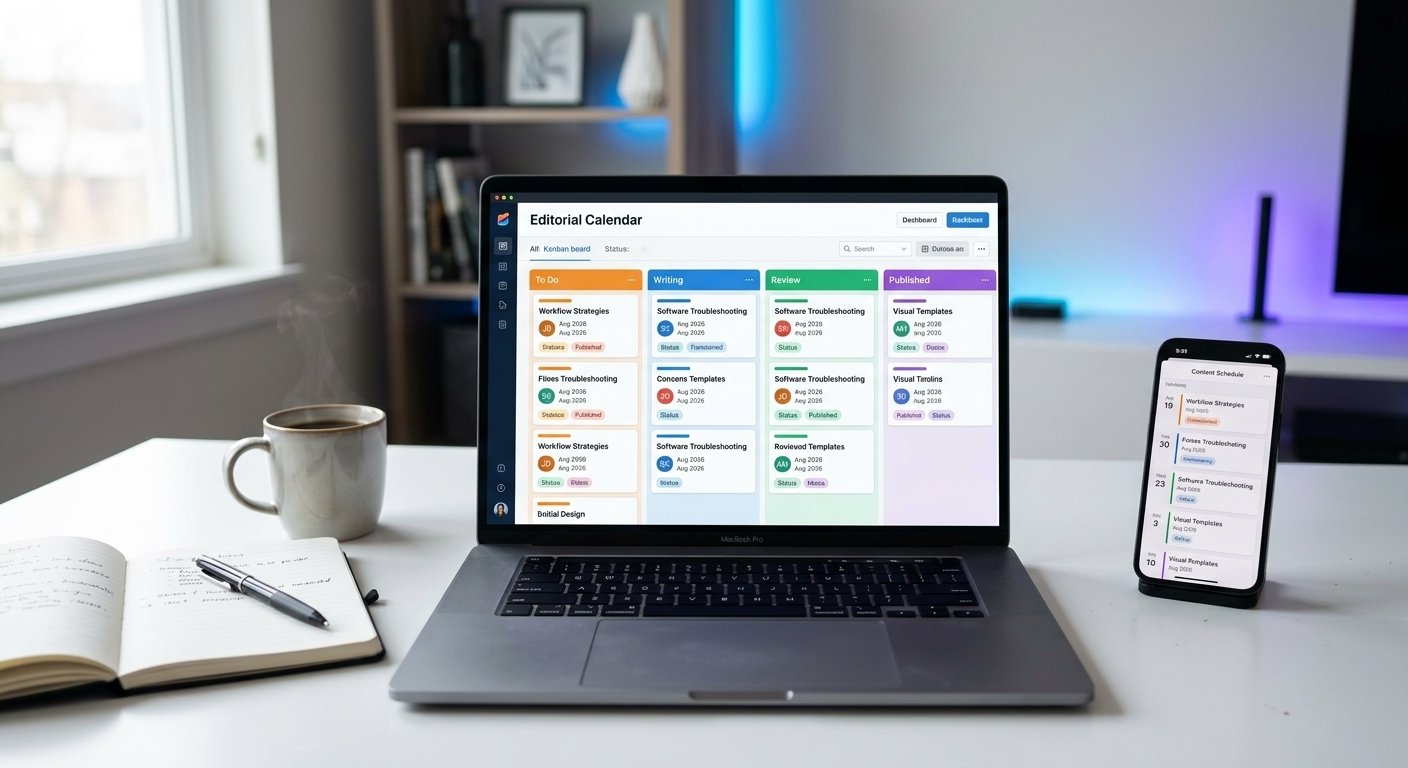
Publishing content consistently without a system quickly leads to missed deadlines, uncoordinated topics, and burnout. Whether you are a solo blogger or managing a team, learning how to build a streamlined editorial calendar workflow from scratch is the single best way to transform chaotic content creation into a predictable engine.
A well-structured workflow gives every post a clear trajectory—from initial keyword research to final distribution—ensuring high quality and steady traffic growth.
Key Takeaways
- Centralize Production: A unified calendar eliminates confusion around deadlines, assets, and writer assignments.
- Standardize Stages: Defining rigid status stages (Ideation, Outlining, Writing, Editing, Publishing, Distribution) prevents bottlenecks.
- Automate Repetitive Tasks: Using board triggers and templates cuts administrative management time in half.
- Focus on Intent: Structure your schedule around core content pillars rather than posting random topics.
Why You Need a Structured Editorial Calendar Workflow
Without a defined workflow, content management relies on memory and last-minute messaging. A dedicated system brings clarity to your entire editorial operation.
- Consistent Publishing Schedules: Search engines and audiences both reward regular posting schedules.
- Clear Task Ownership: Writers, editors, and graphic designers know exactly what is expected of them and when.
- Higher Content Quality: Structured review phases ensure no post goes live with broken links, poor formatting, or weak SEO.
Step 1: Define Your Content Pillars and Publishing Frequency
Before setting up board columns or templates, establish what you are publishing and how often.
[Target Audience Needs] ──► [3-4 Core Content Pillars] ──► [Sustainable Posting Cadence]
Choose Core Pillars
Group your topics into 3 to 4 main categories. For example, a productivity blog might focus on visual templates, software troubleshooting, and workflow strategies.
Set a Sustainable Cadence
Quality always beats quantity. It is far better to publish two thoroughly researched articles per week consistently than to publish daily for two weeks and burn out.
Step 2: Establish Clear Production Stages
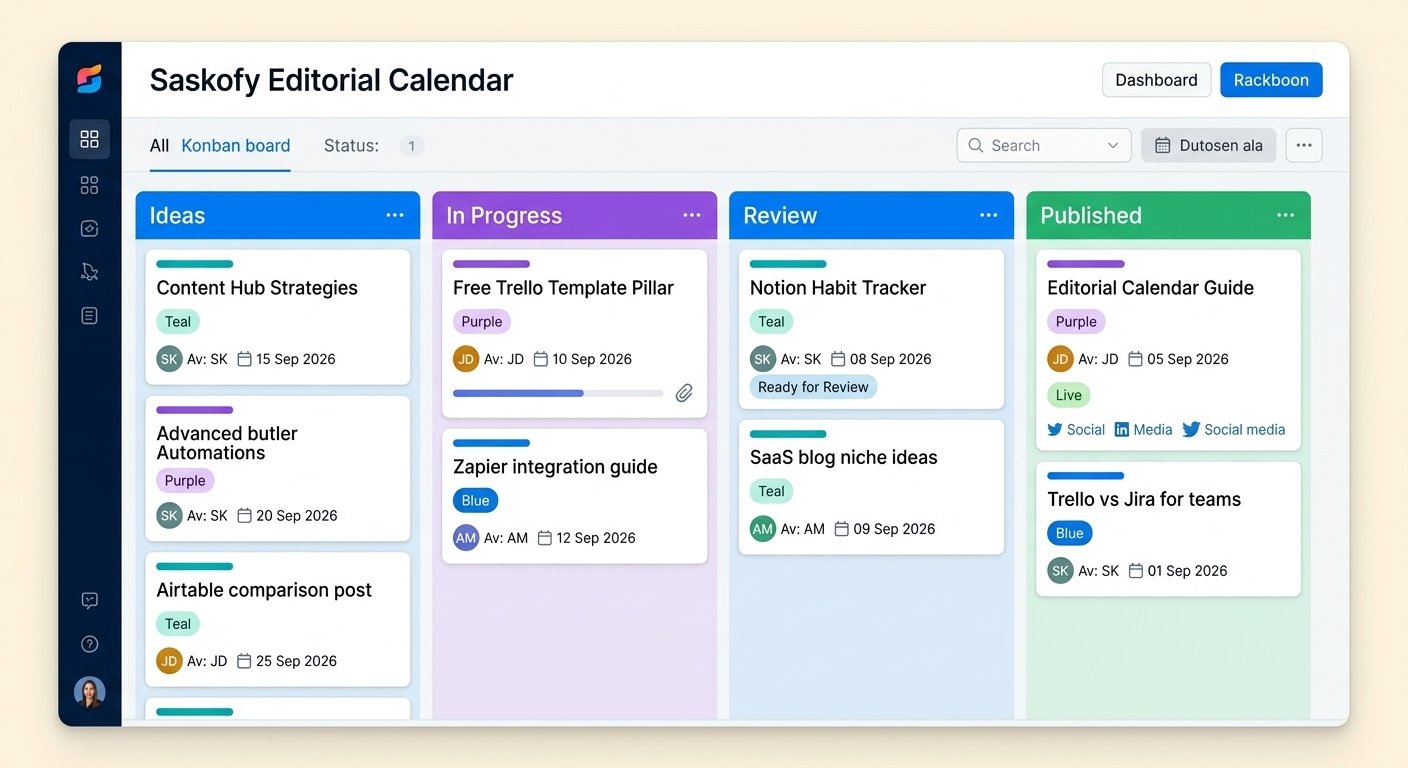
The core of knowing how to build a streamlined editorial calendar workflow from scratch lies in defining explicit stages. Every content card on your board should move left-to-right through these exact phases:
- Backlog / Ideas: Raw topic ideas and low-competition keyword opportunities awaiting approval.
- Briefing & Outlining: Assigning search intent requirements, target keywords, heading structures, and word count targets.
- Drafting / In Progress: The writer is actively producing the content.
- Editorial & SEO Review: Checking factual accuracy, readability, internal link placement, and meta descriptions.
- Scheduled / Published: The piece is uploaded to your CMS and scheduled for release.
- Distribution: Repurposing the article into social posts, email newsletters, or video scripts.
Step 3: Create Standardized Content Briefs & Checklists
Inconsistency happens when writers work off vague instructions. Standardize every new article by attaching a mandatory checklist to its calendar card.
- Target primary keyword and secondary NLP terms
- Meta title and meta description draft
- Approved H2 and H3 outline
- Internal link requirements (minimum 2–3 relevant posts)
- Image asset requirements (featured image, diagrams, screenshots)
Step 4: Choose the Right Tool for Your Workflow
Selecting the right platform depends on your team size and visual preferences:
| Platform | Best For | Key Advantage |
| Trello | Visual Drag-and-Drop Planning | Fast card movement, visual Kanban boards, and simple Butler automation rules. |
| Notion | Data-Dense Custom Workspaces | Excellent for linking content databases directly to brand wikis and asset libraries. |
| Airtable | Large Teams & Complex Data | Powerful relational tables for managing multi-channel campaigns and external freelancers. |
Step 5: Automate Administrative Bottlenecks
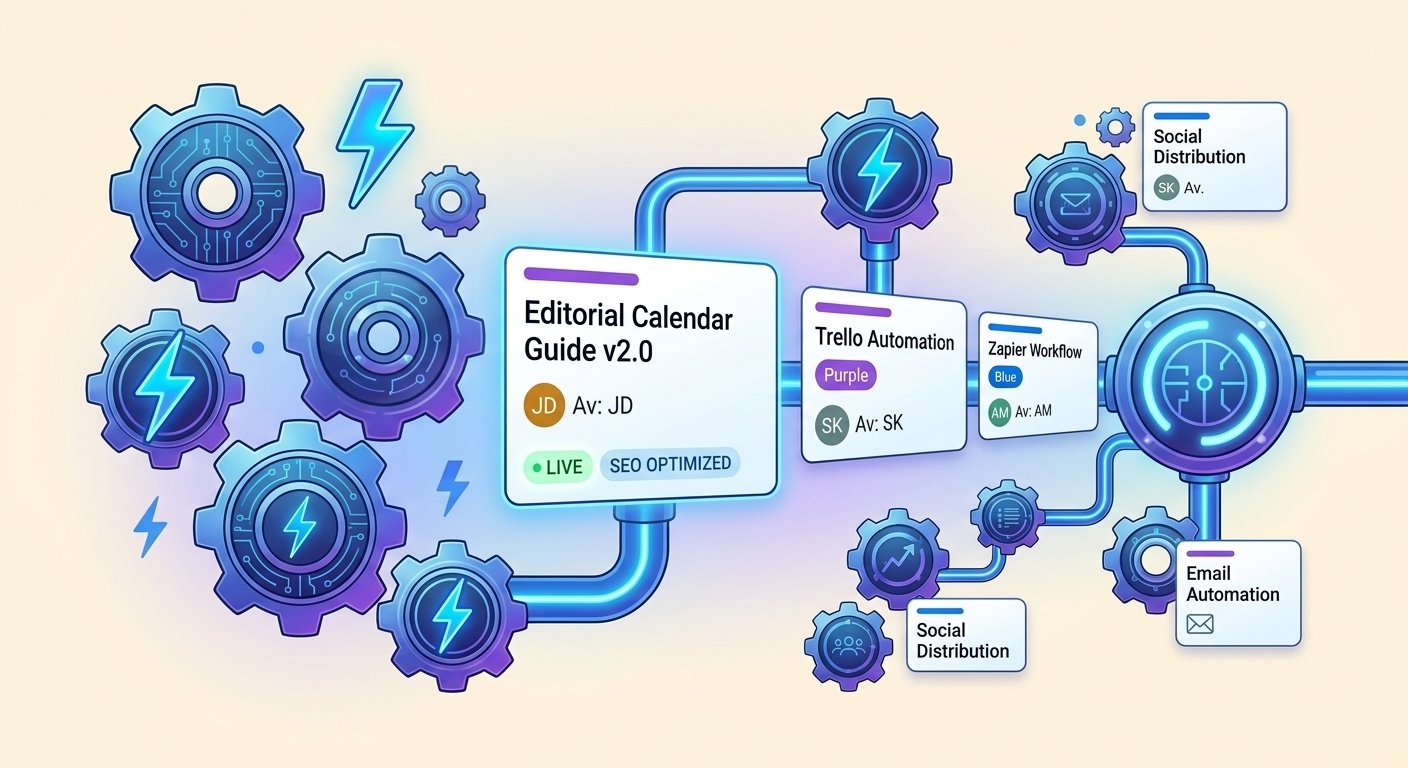
Manual updates waste valuable production time. Leverage built-in platform automations to keep your calendar moving smoothly:
- Automatic Due Date Alerts: Trigger notifications when a post enters the “Editorial Review” stage.
- Checklist Generation: Automatically attach your master quality control checklist whenever a card is moved to “Drafting.”
- Status Updates: Move completed cards to a “Ready to Publish” list as soon as all checklist items are marked complete.
Step 6: Review, Audit, and Optimize Regularly
A workflow is not a static document; it requires ongoing refinement.
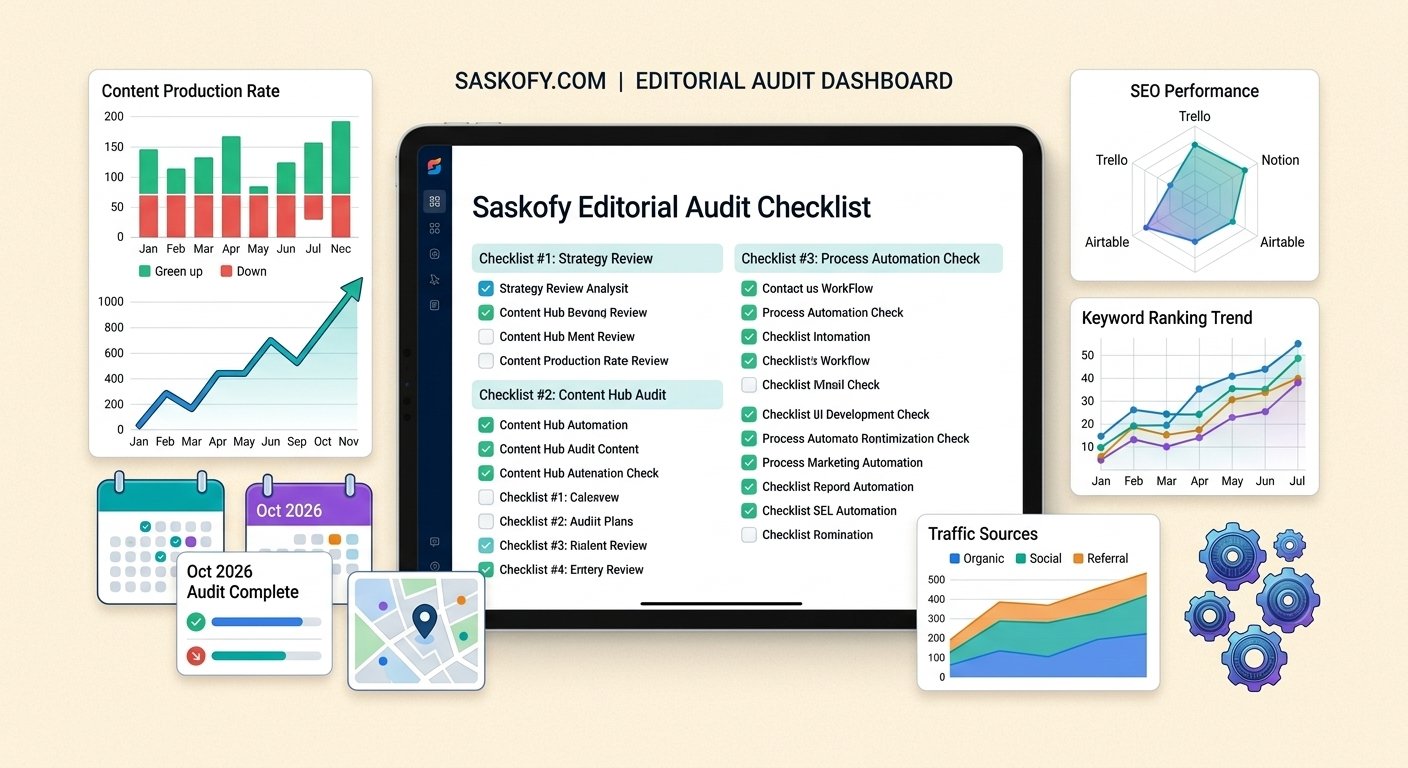
Schedule a monthly editorial audit to check for production bottlenecks. If articles spend too long in the “Review” phase, simplify your editing checklist or adjust your review timelines.
Frequently Asked Questions
How long does it take to set up an editorial calendar workflow from scratch?
A basic visual board setup with standardized stages takes less than an hour. However, fine-tuning automations and checklists usually requires two to three publishing cycles to perfect.
What is the difference between a content calendar and an editorial calendar?
A content calendar focuses on the dates and channels for publishing content. An editorial calendar covers the end-to-end strategy, including ideation, research, writing, editing, SEO optimization, and workflow management.
What is the best free tool to build an editorial calendar?
Trello and Notion both offer powerful free plans that are more than sufficient for solo bloggers and small content teams building their first organized workflow.
Building a systemized content operation takes the stress out of publishing. Once you understand how to build a streamlined editorial calendar workflow from scratch, you can focus entirely on producing high-value, authoritative content that ranks.

6 thoughts on “How to Build a Streamlined Editorial Calendar Workflow from Scratch”