


A workflow that’s supposed to fire the moment new data arrives just… doesn’t. No error in the sending app, no execution in your automation tool, just silence. Webhook delivery failures in self-hosted automation tools like n8n and Activepieces are almost always traceable to a handful of specific, well-documented causes — most of them configuration issues rather than genuine bugs.
This guide walks through the most common causes in both platforms and exactly how to fix each one.
Key Takeaways
- Webhook delivery failures in n8n are frequently caused by using the one-time test URL instead of the production URL on an inactive workflow.
- Self-hosted n8n instances need their public webhook address correctly configured, or webhooks default to an unreachable local address.
- Activepieces requires its public URL setting to be explicitly configured in self-hosted deployments, or webhook and trigger initialization fails with an invalid URL error.
- Firewall rules blocking required ports are a common cause of webhooks that work locally but fail from external senders.
- IP-based blocking or rate limiting on the receiving end can cause production webhooks to fail while test webhooks succeed.
Why Self-Hosted Webhook Tools Fail More Often Than Cloud Ones
Cloud-hosted automation platforms handle domain configuration, HTTPS, and networking for you. Self-hosted tools like n8n and Activepieces put that responsibility on you, which is exactly why webhook delivery failures show up more frequently in self-hosted setups — a missing environment variable or an unconfigured reverse proxy can silently break webhook delivery even when everything else about the workflow is correct.
Fixing Webhook Delivery Failures in n8n
H3: Cause 1: Test URL vs. Production URL Confusion
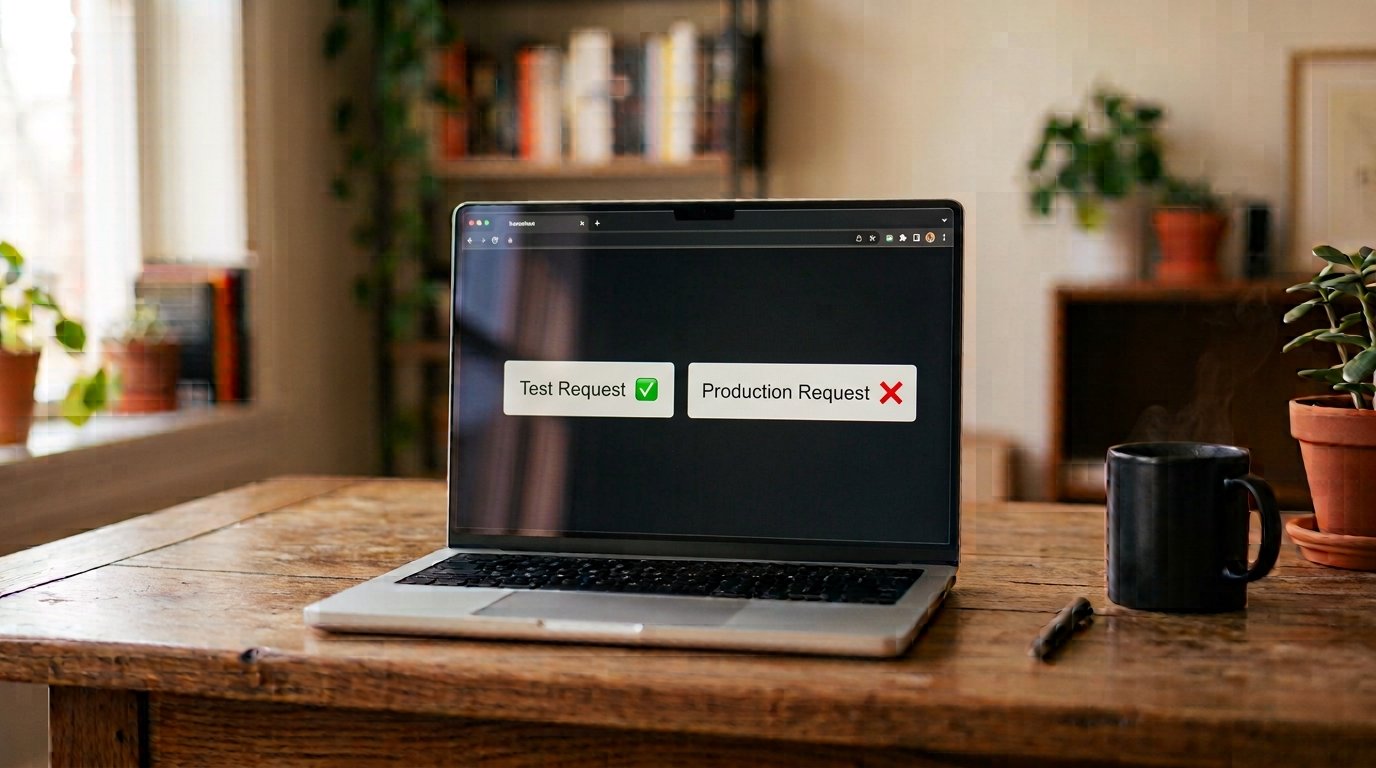
This is the single most common cause of n8n webhook failures. n8n generates two different webhook addresses — a one-time test address that fires exactly once for testing, and a production address that requires the workflow to be active.
The Fix: If your sending application is still pointed at the test address, switch it to the production address, and make sure the workflow itself is toggled to Active in n8n. The test address will simply stop responding after its one-time use, which looks identical to a broken webhook from the sender’s perspective.
H3: Cause 2: Missing or Incorrect Public Webhook Address Configuration
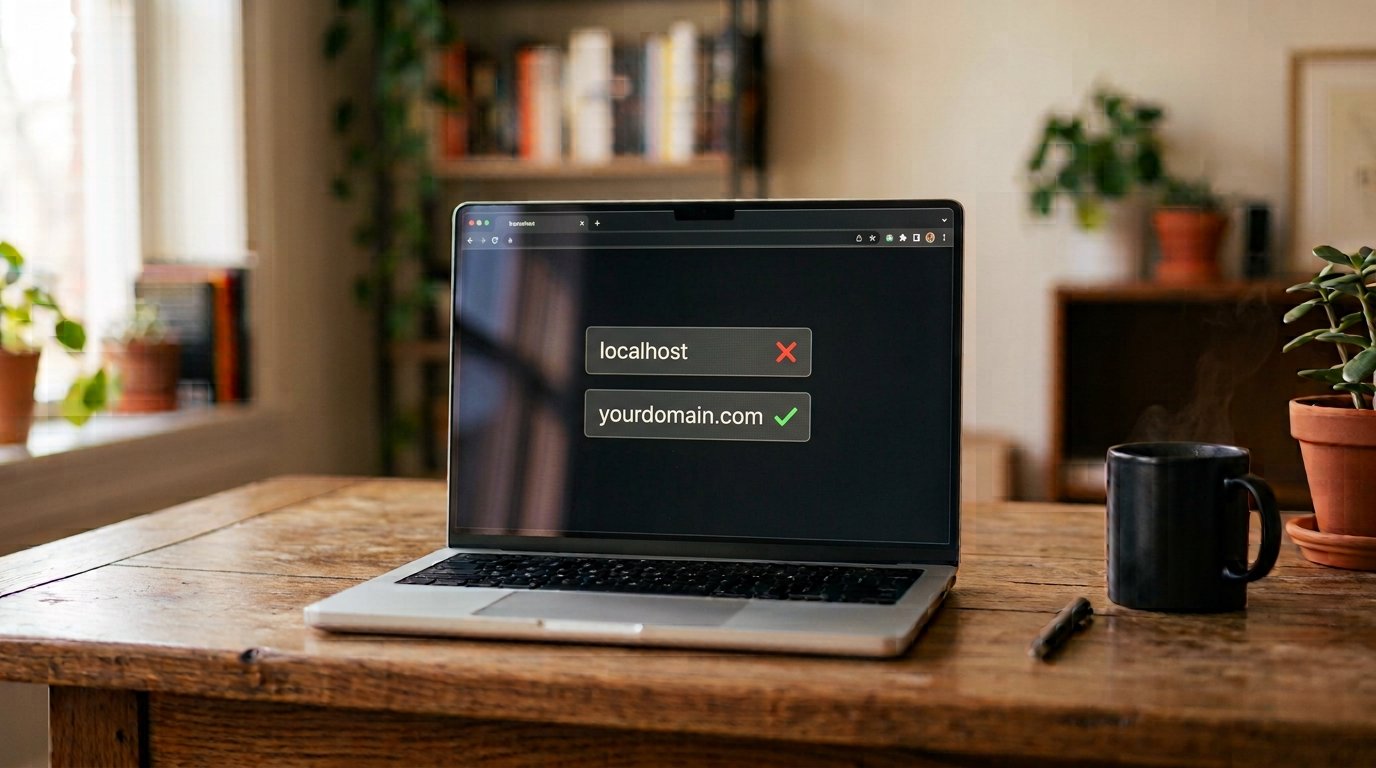
On self-hosted n8n instances, if the public webhook address setting isn’t explicitly configured, n8n can default to generating webhook addresses pointing at your local machine, which is completely unreachable from outside your server.
The Fix: Set the public webhook address in your deployment configuration to your actual public HTTPS domain, then recreate the container fully rather than just restarting it, since this kind of configuration change requires a full container recreation to take effect.
H3: Cause 3: Missing HTTPS or Reverse Proxy Misconfiguration
Using a bare IP address instead of a domain, or missing HTTPS entirely, causes both webhook delivery and OAuth-based integrations to fail on self-hosted n8n.
The Fix: Set up a domain (not a raw IP) with HTTPS through a reverse proxy like Nginx, Traefik, or Caddy. Update any connected OAuth app settings to reference the correct domain and HTTPS URL once this is in place.
H3: Cause 4: Firewall Rules Blocking External Requests
A webhook that works when tested locally but fails when triggered by an actual external service often points to a firewall issue, since local testing doesn’t cross the same network boundary as an outside request.
The Fix: Confirm the required web traffic ports are open in your server’s firewall settings. Also verify your domain’s DNS is pointing to the correct server address, since a misconfigured DNS record produces symptoms that look identical to a firewall block.
Fixing Webhook Delivery Failures in Activepieces
H3: Cause 1: Missing Public URL Setting on Self-Hosted Deployments
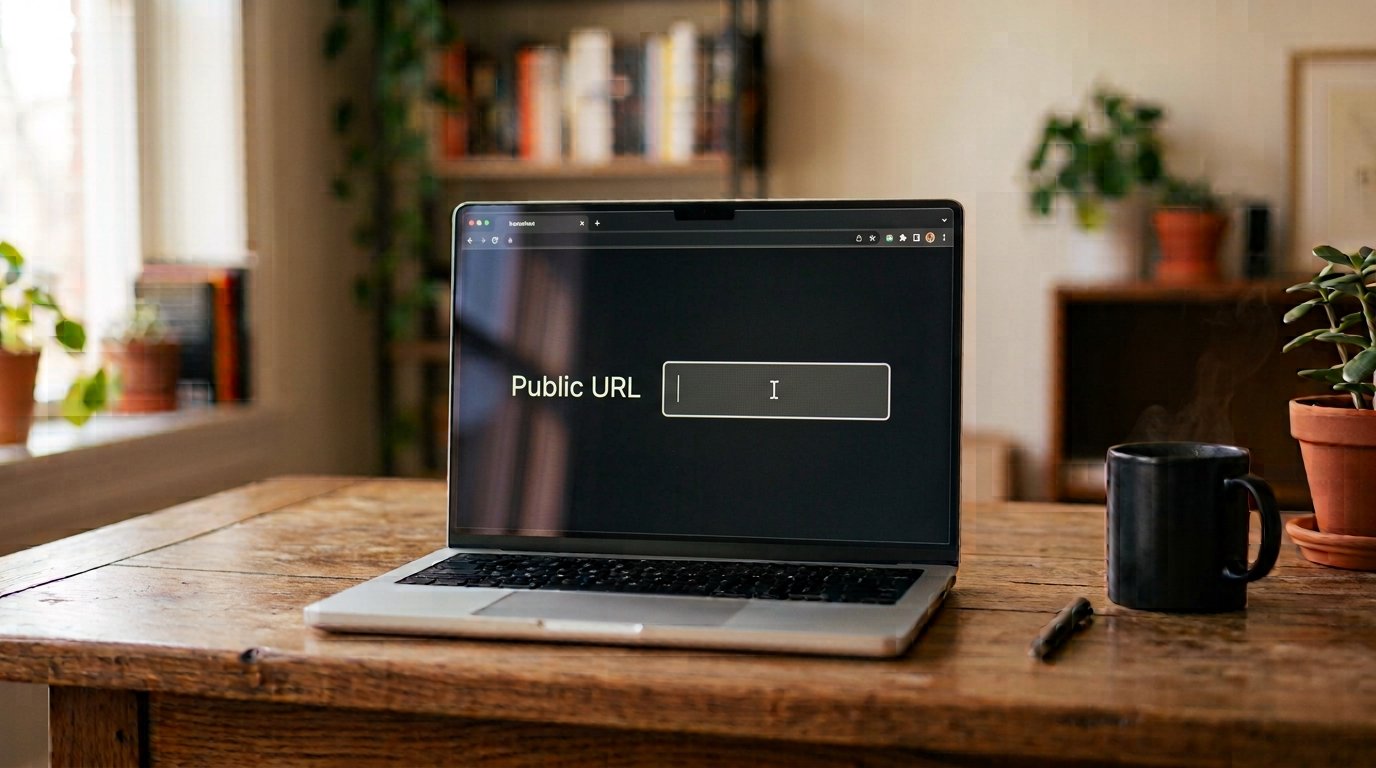
A well-documented issue in self-hosted Activepieces deployments occurs when its public URL setting isn’t configured. Activepieces falls back to generating an address without the correct protocol prefix, which causes an “Invalid URL” error internally and breaks both webhooks and triggers entirely.
The Fix: Explicitly set the public URL setting in your deployment configuration to your actual domain with the full HTTPS prefix included. This applies even when your domain is correctly configured and served over HTTPS through a reverse proxy — the application still needs this setting configured explicitly rather than inferring it.
H3: Cause 2: Test URL Confusion, Same as n8n
Activepieces also distinguishes between a test webhook URL and the production trigger URL used once a flow is published. Some users have specifically found their webhook only worked correctly once the flow was properly published, rather than relying on the test URL.
The Fix: Make sure the flow is published (not just saved as a draft) and that the sending application is configured to use the production webhook URL, not the one-time test URL used during setup.
H3: Cause 3: Stale Webhook Modules After an Update
A known issue reported in the Activepieces community involved the webhook module silently failing to trigger after an internal auto-update, even though the flow appeared correctly configured.
The Fix: If a previously working webhook suddenly stops triggering with no configuration changes on your end, try removing the webhook module from the flow, adding it back fresh, then unpublishing and re-publishing the flow. This forces the module to rebuild its trigger registration rather than relying on a potentially stale internal state.
H3: Cause 4: IP-Based Blocking Affecting Production Requests Only
Some users have reported a specific pattern where test requests from their own machine succeed, but real production requests from their actual sending service’s IP address never arrive — pointing to IP-level filtering somewhere between the sender and Activepieces.
The Fix: Check whether your sending service uses a consistent, documented IP range, and confirm your hosting provider or firewall isn’t blocking traffic from that range. If you’re on Activepieces Cloud specifically, this often needs to be raised directly with support, since it points to infrastructure-level filtering rather than something fixable in your own flow configuration.
A General Troubleshooting Checklist for Both Tools
- Confirm test vs. production URL — this single mix-up accounts for a large share of reported failures in both platforms.
- Check required public URL settings — both n8n and Activepieces need their public webhook address explicitly configured on self-hosted deployments.
- Verify HTTPS and domain configuration — bare IPs or missing HTTPS break webhook reliability in both tools.
- Test from the actual external sender, not just locally — firewall and IP-blocking issues only appear when the real production source sends the request.
- Check for silent module or workflow state issues — removing and re-adding a trigger, or republishing a flow, resolves a category of failures that don’t have an obvious configuration cause.
Common Mistakes to Avoid
- Assuming a webhook bug when it’s a URL mix-up — always rule out test-vs-production confusion first, since it’s the most frequent cause in both tools.
- Restarting instead of recreating containers after configuration changes — a simple restart often isn’t enough; the container needs to be recreated for certain settings to take effect.
- Testing only from your own machine — this misses firewall and IP-blocking issues that only affect genuine external senders.
- Not checking whether the flow or workflow is actually active or published — an inactive workflow will never fire on its production address.
Conclusion
Webhook delivery failures in n8n and Activepieces are frustrating precisely because they tend to fail silently, but the underlying causes are well-documented and consistently fixable. Start by ruling out test-versus-production URL confusion, then verify the required environment variables and domain configuration for your self-hosted deployment, and finally check for firewall or IP-blocking issues that only show up with genuine external traffic. Work through these causes systematically, and most webhook failures in either tool resolve without needing to dig into deeper platform-level bugs.
FAQs
Why does my n8n webhook work in testing but not in production? This is usually caused by using the one-time test address instead of the production address, or the workflow not being toggled to Active.
What configuration fixes webhook issues in self-hosted n8n? The public webhook address needs to be explicitly set to your public HTTPS domain, since n8n can otherwise default to an unreachable local address.
Why do Activepieces webhooks fail with an Invalid URL error? This typically happens when the public URL setting isn’t configured on a self-hosted deployment, causing Activepieces to generate an address missing the HTTPS protocol prefix.
Can firewall settings cause webhook delivery failures? Yes, if required ports like 80 and 443 aren’t open, webhooks can work when tested locally but fail when triggered by genuine external senders.
What should I do if my webhook suddenly stops working with no configuration changes? Try removing and re-adding the webhook trigger, then unpublishing and republishing the flow, since this resolves failures caused by stale internal trigger registration after an update.
