


For lean marketing teams and small business owners, managing active social channels often feels like a relentless daily chore. Scrambling to draft copy, design assets, and publish on the fly consumes valuable energy that should be spent on higher-level strategy.
Adopting an agile weekly social media content workflow transforms social management from a chaotic daily reaction into a predictable, automated routine. By leveraging systematic batching, reusable templates, and clear ownership, your small team can draft, approve, and queue a full week’s worth of high-impact posts in just 15 minutes of direct maintenance.
Key Takeaways
- Systematized Batching: Shift from daily posting to a synchronized, weekly assembly-line approach.
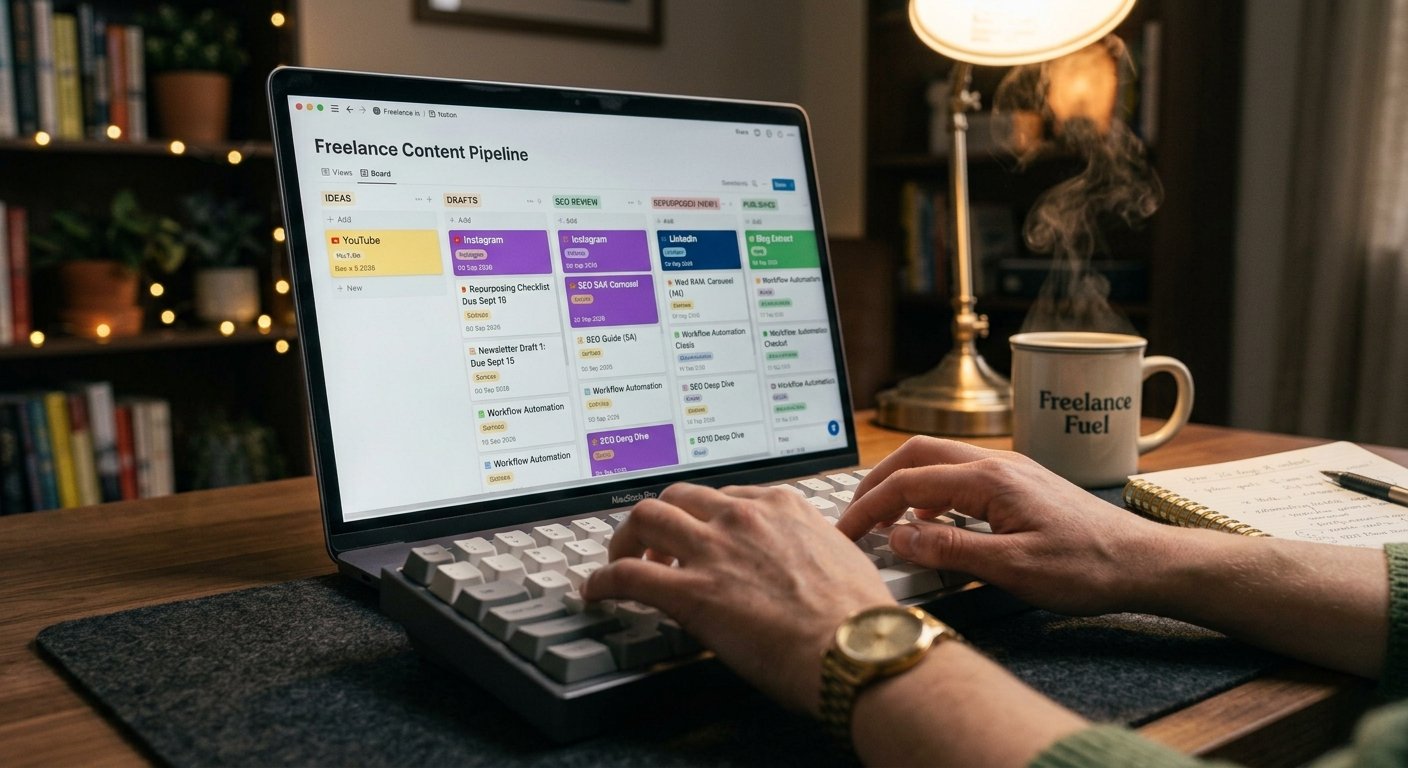
- Single Source of Truth: Centralize all campaign ideas, copy, and media assets in one Kanban pipeline before scheduling.
- Reusable Content Frameworks: Utilize pre-approved post structures (carousels, text posts, video snippets) to reduce creation time.
- Automation-First Delivery: Auto-publish standard posts while keeping native mobile apps reserved purely for real-time engagement.
Phase 1: The Anatomy of a 15-Minute Workflow
A rapid weekly social media content workflow does not mean cutting corners on quality; it means stripping away friction. Small teams waste hours deciding what to post each day because they lack pre-built structures.
- Standardized Content Anchors: Assign static recurring themes to specific days so ideation is automatic.
- Centralized Asset Kits: Maintain a shared folder of pre-resized brand templates, brand fonts, and approved graphics.
- Asynchronous Approvals: Eliminate status meetings by using status tags (e.g., “Ready for Review”, “Approved”) inside your project management tool.
Phase 2: The Step-by-Step 15-Minute Execution System
Follow this concise runtime matrix to run your weekly social media content workflow smoothly every single week.
Minute 0-5: Pull & Review ──► Minute 5-10: Batch & Format ──► Minute 10-15: Auto-Queue
1. Minutes 0–5: Pull Long-Form Value
Rather than creating posts from scratch, extract 3 to 5 core social messages directly from existing assets like blog posts, customer case studies, or newsletter updates.
2. Minutes 5–10: Format with Pre-Built Templates
Drop extracted text into pre-formatted social copy layouts. Match text snippets with pre-designed Canva or Figma graphic templates tailored for each target platform.
3. Minutes 10–15: Load and Auto-Queue
Copy approved captions and media into your social management platform. Set optimal release times and schedule the entire batch at once.
Phase 3: Small Team Workflow Comparison
Implementing a structured weekly social media content workflow dramatically changes team productivity metrics:
| Metric | Reactive Daily Posting | 15-Minute Batch Workflow |
| Weekly Time Spent | 5–8 Hours (Fragmented) | 15–30 Minutes (Focused) |
| Stress Level | High (Daily Deadlines) | Minimal (Pre-Scheduled) |
| Visual Consistency | Mixed / Inconsistent | High (Template-Driven) |
| Approval Overhead | Constant Back-and-Forth | Single Asynchronous Check |

Phase 4: Guarding Your Workflow Against Friction
To ensure your team consistently hits the 15-minute mark, protect your pipeline against common bottlenecks:
- Lock In Templates Early: Establish design files before the week starts so non-designers can populate assets instantly.
- Enforce Strict File Naming: Label all images and videos with publication dates and platform names (e.g.,
2026-09-15_LI_Carousel.png) to prevent misplaced files. - Decouple Publishing from Engagement: Treat scheduling as a passive task; set aside separate 5-minute daily pockets solely for replying to comments and direct messages.

Frequently Asked Questions
Is 15 minutes really enough time to manage weekly social media?
Yes, provided your team relies on repurposed long-form content and pre-designed templates. The 15-minute window focuses strictly on assembling, formatting, and scheduling already-defined assets.
How do we handle breaking news or trending topics with a pre-scheduled workflow?
A pre-scheduled weekly social media content workflow provides baseline consistency. When a trending topic or urgent announcement arises, simply pause or adjust individual queue slots without disrupting your overall publishing rhythm.
What is the best project management structure for small content teams?
A simple Kanban board (with columns such as Ideas, Drafting, Review, and Scheduled) provides complete visual clarity without overwhelming team members with complex project software.
Implementing a streamlined weekly social media content workflow removes daily guesswork and protects your team’s bandwidth. By working in focused batches, standardizing asset creation, and relying on automated delivery, small teams can sustain an authoritative, continuous social presence with minimal effort.
