

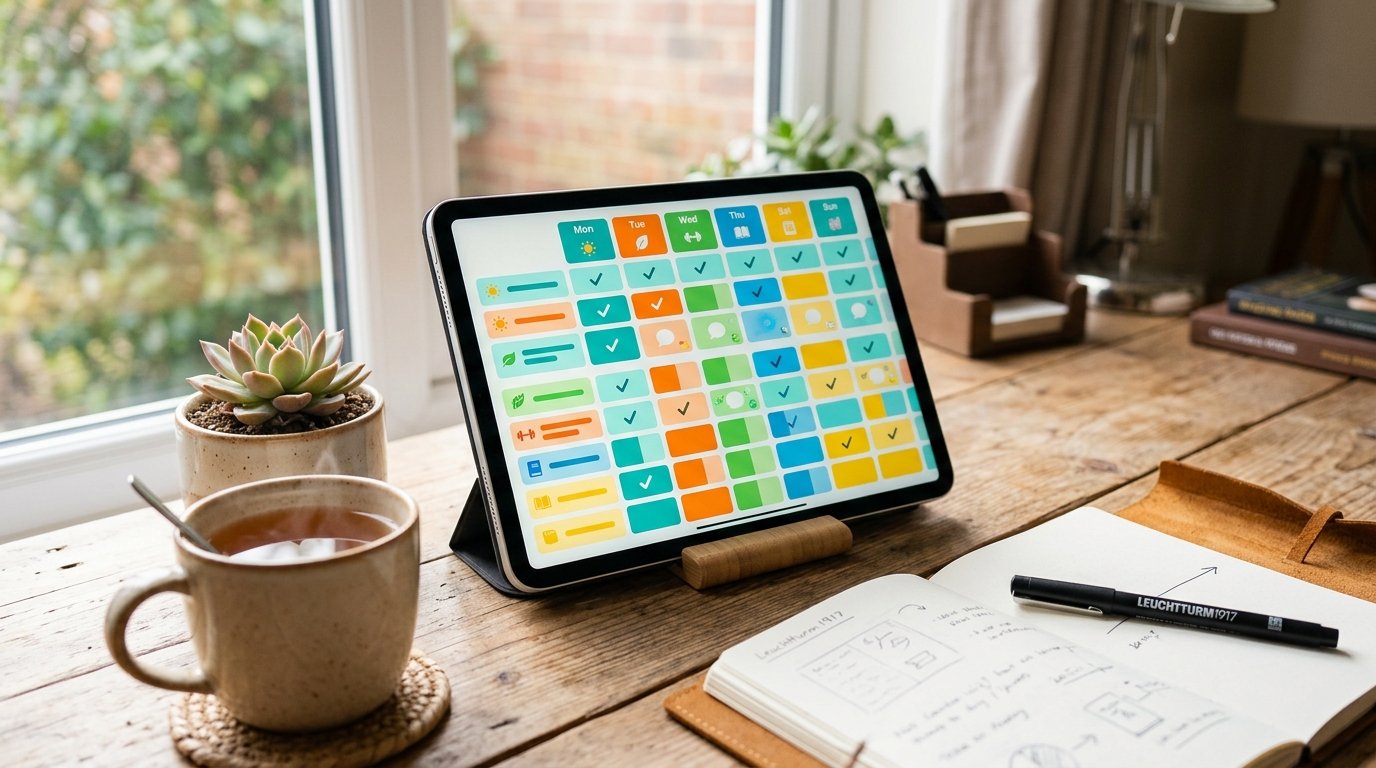
Building a consistent habit isn’t usually a motivation problem — it’s a visibility problem. Once you stop seeing your streak, it’s easy to let it quietly break. Free Notion habit tracker templates solve this by giving your habits a dedicated, visual home that’s easy to update daily and hard to forget about.
Below are ten of the best free Notion habit tracker templates available right now, each suited to a different tracking style — from minimalist weekly grids to gamified point systems.
Key Takeaways
- Free Notion habit tracker templates range from simple weekly checklists to fully gamified dashboards with streaks and points.
- The right template depends on your tracking style: minimal and fast, visual and motivating, or data-rich with analytics.
- Most templates are duplicated into your own Notion workspace in a single click, with no design work required.
- Habit trackers work best when paired with a simple daily review habit, not left untouched between updates.
- You can customize any of these templates further using Notion’s databases, formulas, and views.
What to Look for in a Notion Habit Tracker Template
Before picking one of the templates below, it helps to know what actually makes a habit tracker effective rather than just visually appealing.
- Simplicity — a tracker you have to think hard about updating will get abandoned within a week.
- Visual feedback — streaks, progress bars, or color-coded grids reinforce consistency far better than plain checkboxes.
- Flexibility — the ability to add or remove habits without breaking the template’s structure.
- Views that match your habits — daily trackers suit small routines, while weekly or monthly views suit broader goals.
The 10 Best Free Notion Habit Tracker Templates
1. Notion’s Official Habit Tracker
Notion’s own built-in habit tracker template is the easiest starting point for beginners, offering a clean, no-frills layout straight from Notion’s official template gallery. It’s a solid choice if you want something functional without customizing anything on day one.
2. Thomas Frank’s Minimalist Habit Tracker
Thomas Frank’s Minimalist Habit Tracker strips the concept down to a simple weekly grid, where each row represents a habit and each column represents a day, letting you check off progress and see your week at a glance without dashboards or extra analytics. It’s ideal for anyone who wants speed over complexity.
3. GitHub-Style Habit Tracker
This template is inspired by GitHub’s contribution graph, giving habits a grid-based visual format where consistency shows up as a filled-in pattern rather than a plain checklist. It’s a strong pick for visually-driven users who respond well to seeing a “streak map” build over time.

4. Easlo Habit Tracker
Easlo’s Habit Tracker is known for its clean, well-considered design, making it one of the more popular free habit tracker options because of how easily it motivates consistent daily use without overwhelming the user.
5. Gridfiti Simple Habit Tracker
Gridfiti’s Simple Habit Tracker is a free, minimalist entry point built by a template studio known for aesthetic, functional designs, offering a polished way to start tracking habits immediately with a clear upgrade path to more advanced dashboards later.
6. Gamified Habit Tracker
The Gamified Habit Tracker is built for users who stay motivated through points and streaks rather than plain checkboxes, turning daily habit completion into something closer to a game. This is a strong option if standard trackers haven’t kept you consistent in the past.
7. Morning + Evening Routine Tracker
This free template is built specifically around AM/PM routines, making it a strong fit for anyone trying to structure the beginning and end of their day rather than tracking scattered habits throughout it.

8. Habit Tracker OS
Habit Tracker OS is designed as a single home base for daily habits like exercise, reading, or hydration, with a straightforward setup so you spend your time tracking and noticing patterns instead of configuring the system.
9. Health & Habit Tracker
This free template blends habit tracking with a wellness-focused context, making it suited for users who want their daily habits tracked alongside broader health goals rather than as a standalone checklist.
10. Habit Tracker with Progress Bar
This template is built specifically for both building new habits and breaking old ones, using a visible progress bar to reinforce momentum as you move toward a goal.
How to Choose the Right Template for Your Habits
H3: If You Want Speed and Simplicity
Go with Thomas Frank’s Minimalist Habit Tracker or Easlo’s Habit Tracker — both prioritize a fast daily update over visual extras.
H3: If You’re Motivated by Visuals
The GitHub-Style Habit Tracker or a progress-bar-based template will give you the clearest sense of momentum at a glance.
H3: If You Need Structure Around Your Day
The Morning + Evening Routine Tracker works well if your biggest challenge is consistency at the start and end of each day, rather than habits scattered throughout it.
H3: If You Want Gamification
The Gamified Habit Tracker turns consistency into something closer to a reward system, which works well for users who respond to streaks, points, or visible “wins.”
How to Add a Notion Habit Tracker Template to Your Workspace
- Open the template’s page (most are shared as a public Notion link).
- Click the Duplicate button in the top-right corner.
- Choose which workspace you want it added to.
- Customize the habit list, colors, and views to match your own routine.
Most free Notion habit tracker templates take less than two minutes to set up, so there’s little friction between finding one and actually starting to use it.

Tips for Actually Sticking with a Habit Tracker
- Update it at the same time daily — pairing it with an existing habit, like morning coffee, builds the check-in itself into a routine.
- Track fewer habits at first — three to five habits are easier to sustain than a long list that feels overwhelming by day three.
- Review weekly, not just daily — a short Sunday review of the week’s grid helps you spot patterns a single day’s view won’t show.
- Don’t restart from scratch after a missed day — one missed entry shouldn’t erase the motivation to keep the streak going forward.
Conclusion
The right free Notion habit tracker templates aren’t about finding the most feature-packed option — they’re about finding the format that actually matches how you think and track progress. Whether that’s a minimalist weekly grid, a gamified points system, or a routine-focused AM/PM tracker, the templates above cover nearly every tracking style without costing anything to start. Duplicate one, customize it in a few minutes, and let the tracker do the remembering so you can focus on the habit itself.
FAQs
Are Notion habit tracker templates really free? Yes, most of the templates listed here are completely free to duplicate, though some creators also offer paid, more advanced versions with additional features.
Which free Notion habit tracker template is best for beginners? Notion’s official Habit Tracker or Thomas Frank’s Minimalist Habit Tracker are both strong starting points thanks to their simple, low-friction layouts.
Can I customize a free Notion habit tracker template? Yes, once duplicated into your workspace, you can freely edit habits, colors, views, and layout using Notion’s built-in database and formula features.
Do Notion habit trackers work on mobile? Yes, any Notion template, including habit trackers, works on the Notion mobile app, letting you check off habits from your phone throughout the day.
What’s the difference between a habit tracker and a routine tracker in Notion? A habit tracker generally tracks recurring individual habits over time, while a routine tracker, like a morning and evening tracker, focuses on structured sequences of tasks within a specific part of the day.
