
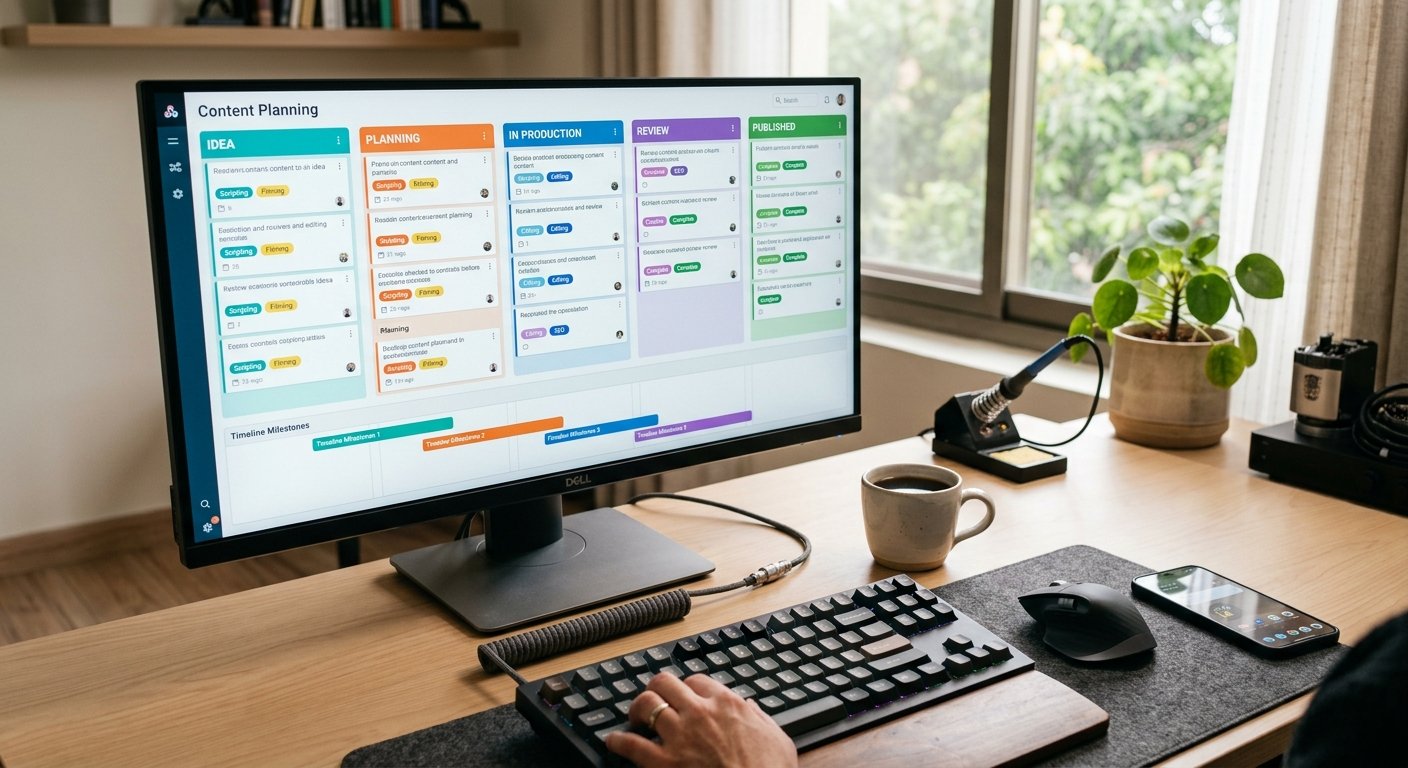
Trello revolutionized how creators and marketing teams manage editorial pipelines through its intuitive Kanban boards. However, as content operations scale, Trello’s free tier limitations—such as restricted board power-ups, board size caps, and basic automation limits—can bottleneck multi-channel publishing workflows. For teams seeking deeper database relationships, advanced custom views, and built-in automation without enterprise pricing, exploring alternative solutions is essential.
Migrating to free trello alternatives unlocks greater flexibility, allowing you to scale your visual content planning, streamline approval pipelines, and manage complex editorial calendars efficiently.
Key Takeaways
- Advanced Layouts: Move beyond basic Kanban cards with multi-view databases supporting calendars, timelines, galleries, and tables.
- Robust Free Tiers: Access higher storage limits, unlimited members, and more generous automation runs than standard Kanban apps.
- Database Relational Integrity: Link content assets directly to audience personas, writer directories, and asset repositories.
- Seamless Collaboration: Enable real-time multi-user editing, comments, and granular permission controls for growing teams.
Why Look Beyond Trello for Visual Content Planning?
While Trello remains a staple for straightforward task tracking, modern content operations demand more robust ecosystem features.
- Multi-Dimensional Views: Content strategy requires shifting seamlessly between Kanban boards, monthly calendar grids, and tabular lists depending on the task at hand.
- Native Automation Depth: Complex editorial pipelines benefit from multi-step conditional rules rather than single-trigger board movements.
- Scalable Data Structures: Linking blog drafts, social assets, and distribution metrics into a unified knowledge hub requires relational databases.
The 5 Best Free Trello Alternatives for Content Teams
Here are the top platforms offering robust free tiers tailored for visual content planning and workflow automation.
Content Ideation ──► Editorial Board View ──► Automated Status Update ──► Multi-Channel Publish
1. Notion
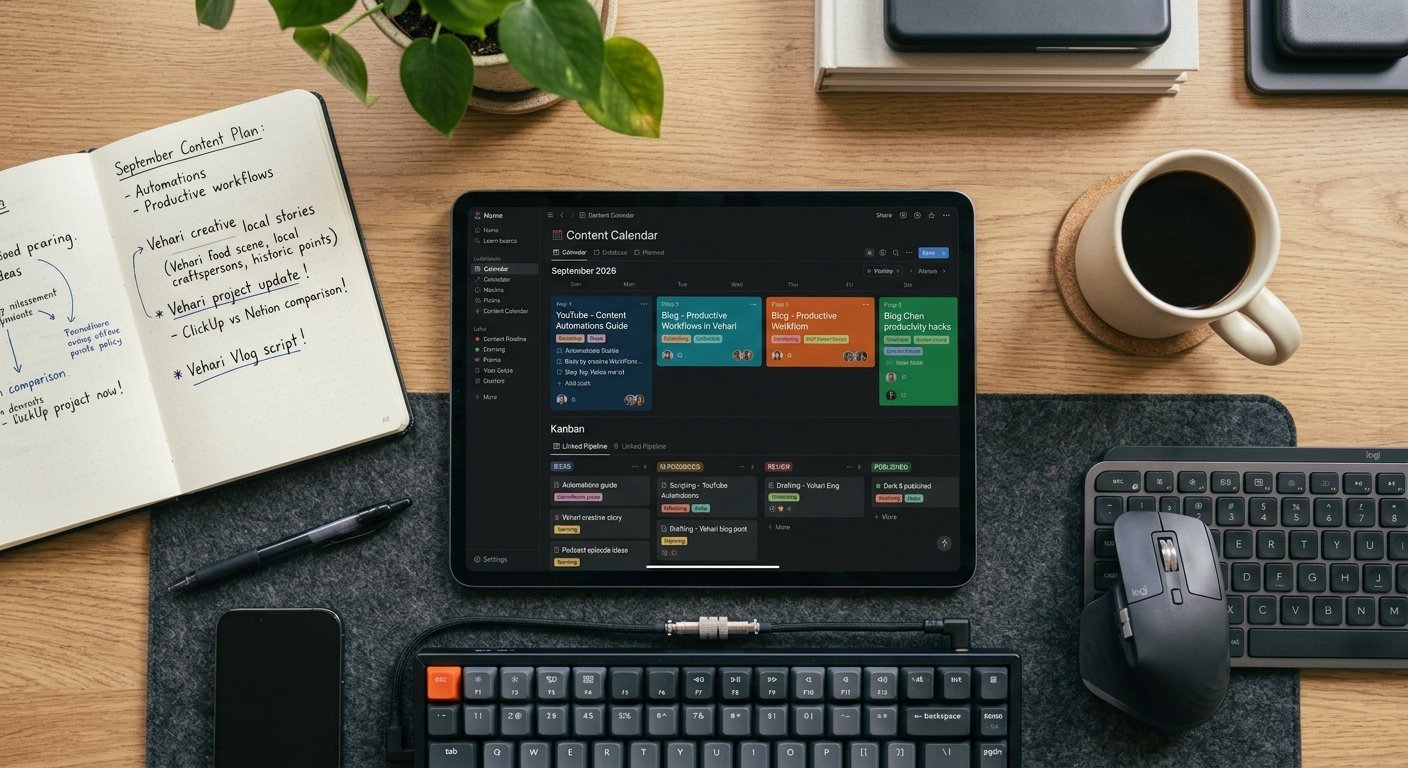
Notion is a powerhouse workspace tool that replaces traditional documents, wikis, and project boards with flexible blocks. Its database architecture allows you to view the exact same content pipeline as a Kanban board, a calendar, a timeline, or a data table.
- Best For: Creators and lean teams wanting an all-in-one content hub combined with rich-text documentation.
- Standout Feature: Infinite page nesting and block-level database relations that connect strategy docs directly to execution cards.

2. Airtable
Airtable combines the friendly interface of a spreadsheet with the raw power of a relational database. For editorial teams managing hundreds of assets, keywords, and production stages, Airtable provides unmatched filtering, grouping, and grid customizability.
- Best For: Data-driven content marketers, SEO agencies, and complex publishing operations.
- Standout Feature: Powerful grid views with custom field types (attachments, multi-select tags, collaborator lookups) and built-in automation triggers.
3. ClickUp
ClickUp positions itself as the “one app to replace them all,” offering a feature-rich free tier that accommodates visual planners. It features over 15 customizable views, including Board, List, Calendar, and Workload distributions.
- Best For: Small teams looking for heavy-duty task management, time tracking, and native goal setting.
- Standout Feature: Highly customizable task fields and native mind-mapping tools for content brainstorming sessions.
4. GitHub Projects (Issues & Projects)
While traditionally built for software development, GitHub Projects offers a remarkably fast, keyboard-shortcut-driven table and board interface that works exceptionally well for technical documentation and blogging workflows.
- Best For: Technical writers, developers, and open-source content creators who love Markdown and git-backed workflows.
- Standout Feature: Completely free public and private project boards with lightning-fast custom field filtering and automation workflows.
5. Focalboard (Mattermost / Open Source)
Focalboard is an open-source, self-hosted alternative to Trello and Notion. It provides an agile project management board where you can organize content items, track statuses, and manage editorial calendars on your own infrastructure.
- Best For: Privacy-conscious teams, self-hosters, and organizations wanting an open-source Kanban tool.
- Standout Feature: Complete data sovereignty and zero dependency on proprietary cloud platforms.
Feature Comparison Table
Selecting among these free trello alternatives depends on your team’s structural preferences and database requirements:
| Platform | Primary Interface | Free Tier Strengths | Best Suited For | Key Advantage |
|---|---|---|---|---|
| Notion | Flexible Blocks & Databases | Generous block storage & page sharing | Content Hubs & Creators | Multi-view database flexibility |
| Airtable | Relational Spreadsheets | Robust record limits & grid views | Data-Driven Teams | Advanced relational linking |
| ClickUp | All-in-One Task Manager | Unlimited tasks & multiple views | Growing Small Teams | Feature richness & time tracking |
| GitHub Projects | Tables & Kanban Boards | Free private/public repositories | Technical Bloggers | Keyboard-driven speed & Markdown |
| Focalboard | Self-Hosted Kanban Board | Open-source & self-hostable | Privacy Advocates | Complete data control & zero fees |

Best Practices When Migrating Your Editorial Calendar
Transitioning your content pipeline to one of these free trello alternatives goes smoothly when you follow a structured migration plan:
- Audit Existing Categories: Clean up outdated tags, archive dead ideas, and standardize your content pipeline statuses (e.g., Idea, Drafting, Review, Scheduled) before exporting.
- Leverage Template Galleries: Most platforms offer pre-built content calendar templates; use them as a baseline rather than building a database from absolute zero.
- Test Automation Rules Early: Set up test automations (such as auto-moving cards when status changes to “Ready”) to ensure triggers fire correctly before moving the entire team over.
Frequently Asked Questions
What makes these platforms better than Trello’s free tier?
While Trello is great for basic card movement, these free trello alternatives offer multi-view flexibility (such as switching instantly from a Kanban board to a calendar or table), relational databases, and more generous automation allowances without requiring paid upgrades.
Can I import my existing Trello boards into these alternatives?
Yes. Most modern project management platforms—including Notion, Airtable, and ClickUp—feature native CSV import tools or direct Trello migration integrations that map your cards, descriptions, and labels automatically.
Are the free tiers sufficient for a small content team?
The free tiers for Notion, Airtable, and ClickUp offer more than enough storage and record capacity to sustain solo bloggers and small marketing teams producing dozens of pieces of content per month.
Upgrading your workflow with one of these free trello alternatives transforms how your team manages editorial content. Whether you prefer Notion’s all-in-one document database, Airtable’s relational grid power, or Focalboard’s open-source privacy, moving beyond basic Kanban boards enables your publication pipeline to scale smoothly and efficiently.
