

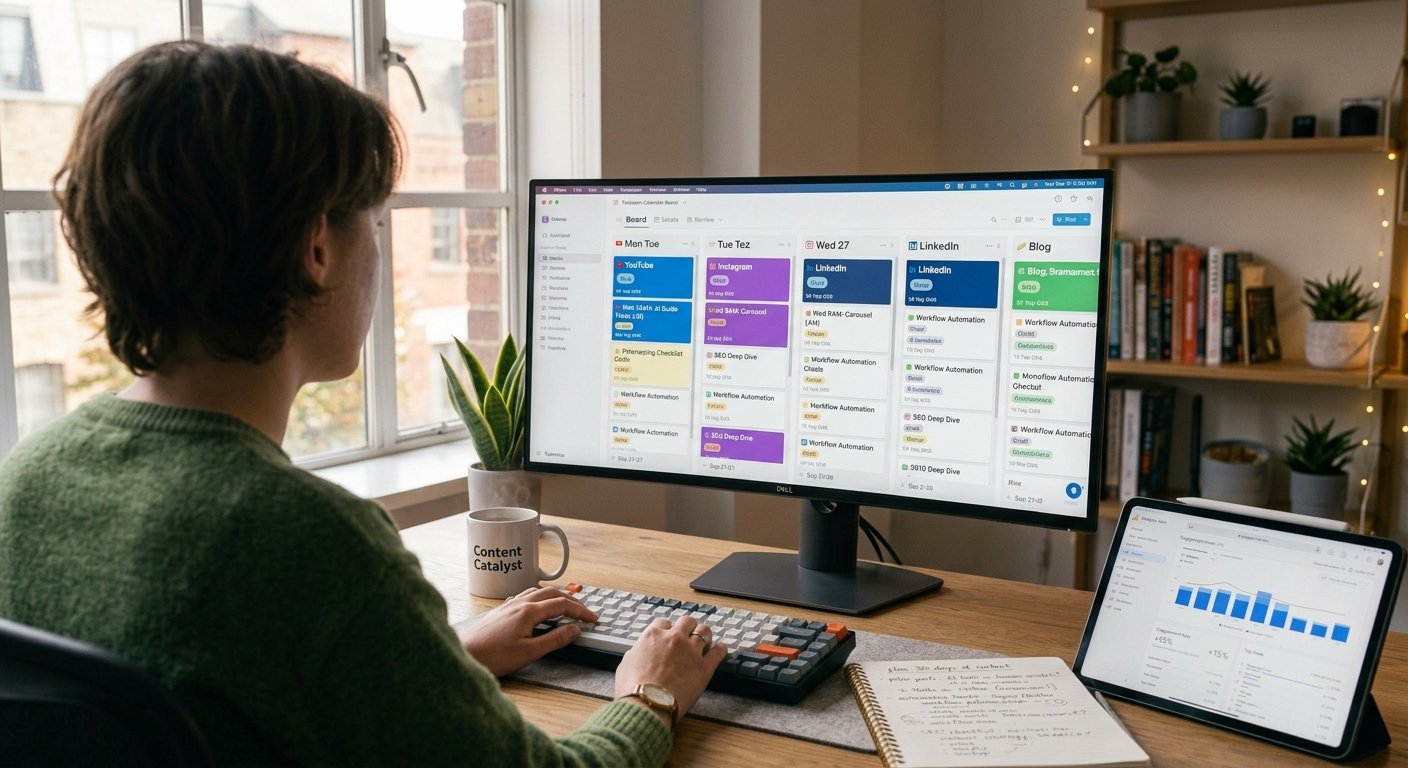
Managing multiple social platforms without a structured system quickly leads to missed deadlines, inconsistent posting, and creator fatigue. For digital managers and bloggers, reactive posting rarely yields long-term audience growth.
Learning how to structure a weekly social media publishing schedule bridges the gap between high-level strategy and daily execution. By batching tasks, organizing platform-specific themes, and automating delivery, you can maintain an active multi-channel presence in just a few hours a week.
Key Takeaways
- Theme-Based Pillars: Group content into core weekly pillars (e.g., Educational Monday, Case Study Wednesday) to eliminate daily decision fatigue.
- Batch Production: Write and design all social copy and visual assets in dedicated blocks rather than creating content on the fly.
- Format Tailoring: Adapt every asset to native platform specs rather than broad broadcasting across networks.
- Buffer Buffer: Schedule posts 3 to 5 days in advance to leave space for real-time community engagement and trending topics.
Phase 1: Establish Your Weekly Posting Matrix
Before building out your calendar, map your weekly distribution cadence based on capacity and channel performance.
- Audience Peak Times: Review native platform analytics to identify when your followers are most active online.
- Content Mix Ratio: Follow the 80/20 rule—80% value-driven content (educational, entertaining, inspiring) and 20% promotional calls to action.
- Platform Prioritization: Focus core production on 1–2 primary channels before repurposing snippets to secondary networks.
Phase 2: Step-by-Step Schedule Setup
Follow this step-by-step framework to assemble a seamless weekly social media publishing schedule using your preferred project management tool.
Core Blog / Video ──► Extract Weekly Pillars ──► Design Assets ──► Batch & Schedule
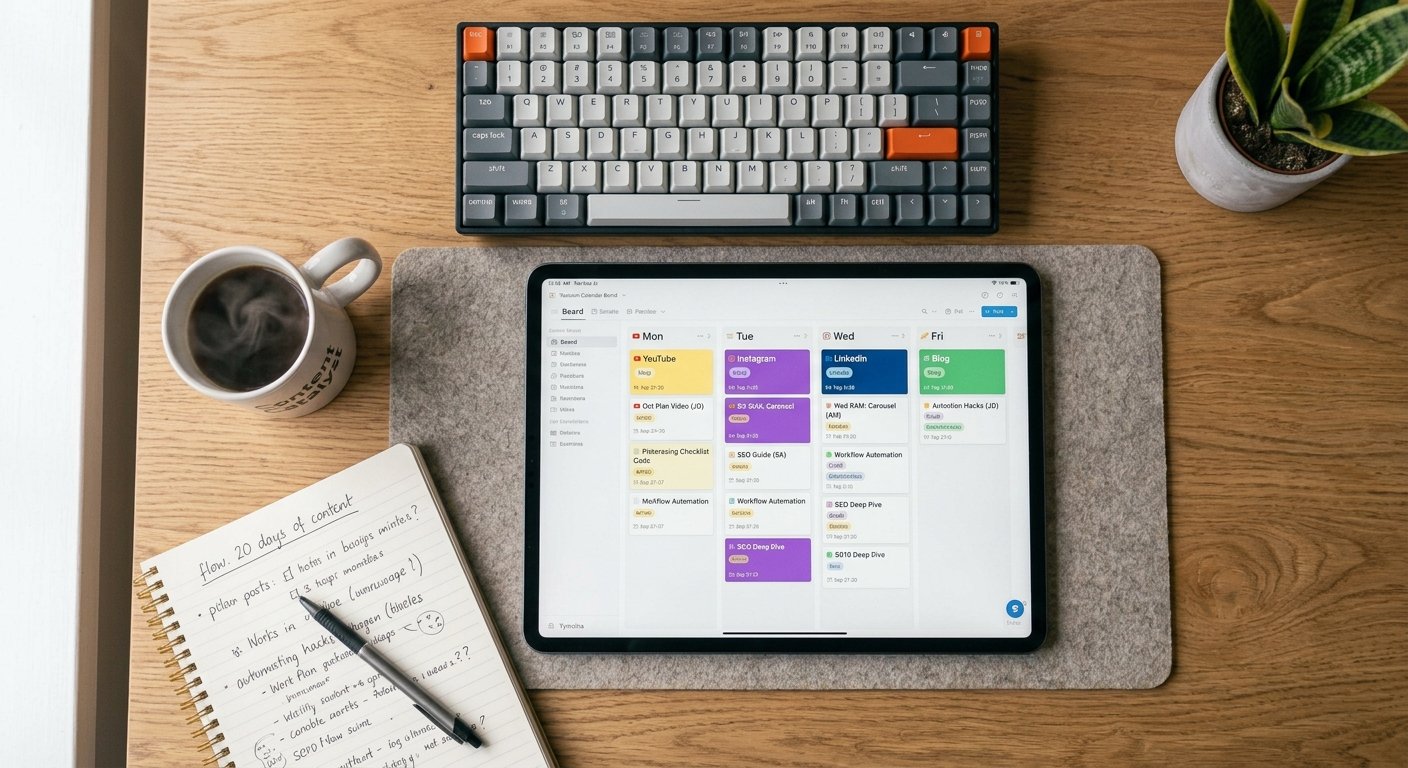
1. Assign Daily Content Themes
Categorize days by specific objectives to make ideation automatic:
- Monday: High-value educational carousels or actionable tips.
- Wednesday: Behind-the-scenes workflows or case studies.
- Friday: Community polls, engagement prompts, or curated industry news.
2. Standardize Your Asset Dimensions
Ensure your design workflow includes templated ratios for every destination:
- Vertical (9:16): TikTok, Instagram Reels, YouTube Shorts.
- Square/Portrait (4:5): LinkedIn carousels, Instagram feed graphics.
- Landscape (16:9): X (Twitter) media attachments, Facebook links.
3. Build a Central Content Pipeline
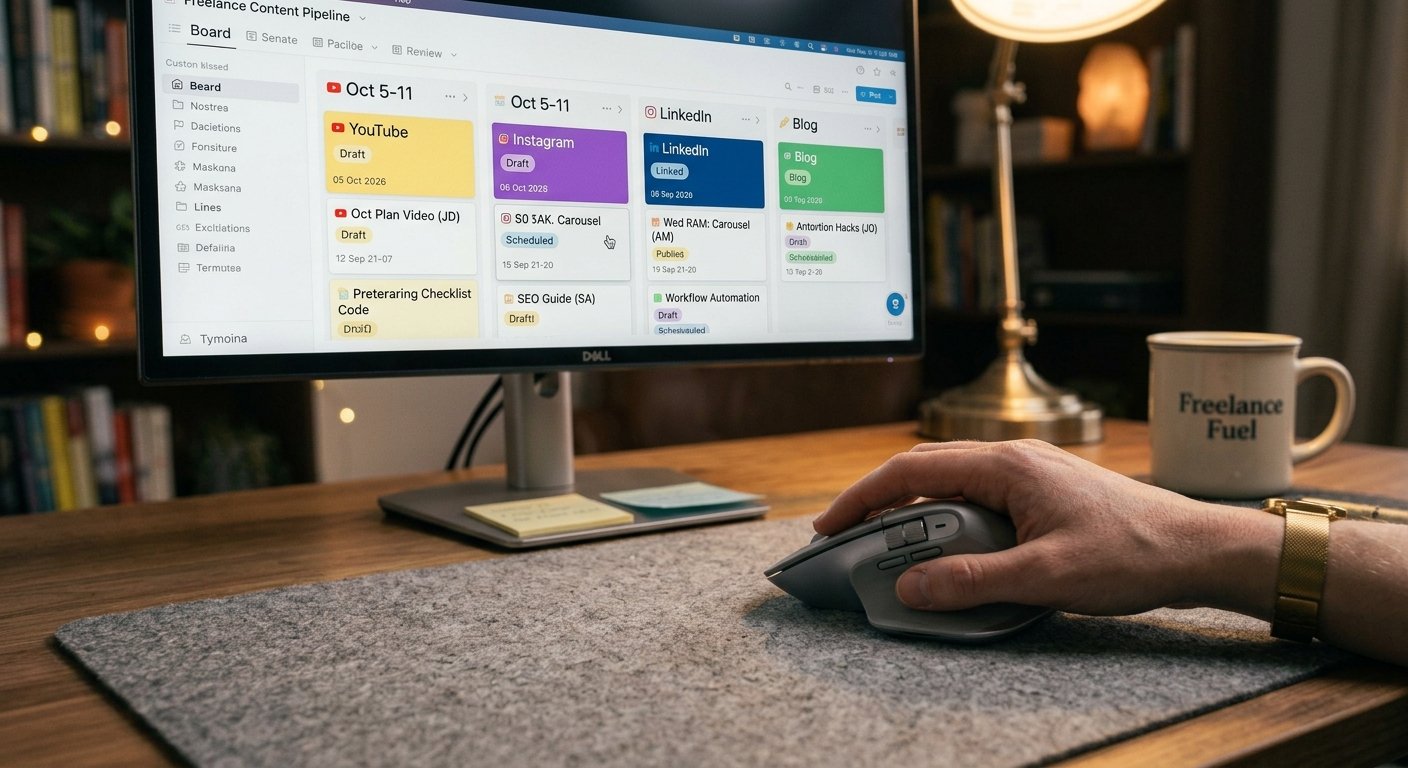
Centralize draft copy, visual links, and approval statuses in one dashboard (such as Notion or Trello) before pushing items to your scheduling tool.
For official best practices on managing content distribution effectively, review the [External Link: Insert Meta for Business Strategy Documentation URL here with anchor text: Meta business suite guide on content scheduling].
Phase 3: Recommended Scheduling Tools
A functional weekly social media publishing schedule relies on software that automates publishing and tracks post-performance:
| Tool | Ideal For | Key Feature |
|---|---|---|
| Buffer | Solopreneurs & Bloggers | Simple queue management & clean UI |
| Later | Visual Creators | Drag-and-drop Instagram feed planner |
| Metricool | Multi-Platform Brands | Deep analytics & auto-publishing Reels |
| Loomly | Teams & Agencies | Approval workflows & post ideas |
Phase 4: The 4-Hour Weekly Workflow
Execute this time-blocked schedule once per week to keep your calendar full without daily stress:
- Hour 1 (Strategy & Outlining): Review upcoming promotions, pull quotes from long-form content, and write raw post copy.
- Hour 2 (Design & Media): Batch-create graphics in Canva or Figma and edit vertical video clips.
- Hour 3 (Loading & Formatting): Upload assets to your scheduling platform, add hashtags, tag collaborators, and set release times.
- Hour 4 (Review & Queueing): Preview desktop and mobile layouts, test links, and finalize the queue for the week ahead.

Frequently Asked Questions
What is a weekly social media publishing schedule?
A weekly social media publishing schedule is an organized plan detailing what content will be posted across specific social media channels, on which days, and at what times, complete with captions, media, and link references.
How far in advance should I schedule my social media posts?
Planning 1 to 2 weeks in advance is ideal for most creators. This provides enough buffer to batch content efficiently while keeping your messaging timely and flexible enough to adapt to emerging trends.
Can I use the same schedule across all social networks?
While you can cover the same core topics weekly, tailor the presentation format, caption length, and posting frequency to match the native expectations of each specific network.
Establishing a structured weekly social media publishing schedule replaces daily guesswork with repeatable clarity. By defining clear content pillars, batching asset creation, and scheduling posts systematically, you ensure a steady publishing rhythm that grows your brand while giving you time back.

1 thought on “How to Organize Your Weekly Social Media Publishing Schedule”